


Product - Short texts or summary as H1 for SEO (font size adjust to 50px, line height 60px)
Short description about the product in 1-2 sentences in SEO-friendly. Use 20px default font size.
H2 - Product introduction with SEO friendly
Short product introduction with SEO friendly. Try to keep it within 100 words. Use 20px default font size with a -20px top margin and 80px side margins. All text should be centre-aligned.
Benefit 1
Summary of how the product can benefit. SEO friendly
Benefit 2
Summary of how the product can benefit. SEO friendly
Benefit 3
Summary of how the product can benefit. SEO friendly
H2 - Who will be benefit by using the tool

Role 1

Role 2

Role 3

Role 4

Role 5
(Note: Show how the software helps in real-world projects and different industries. If the content is too long or repeats itself, please choose only the best template. Ensure all headings and text are SEO-friendly. Delete this note before the website goes live).
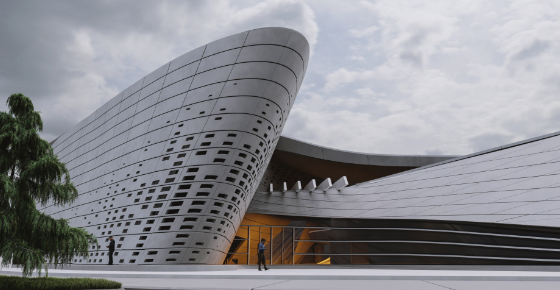
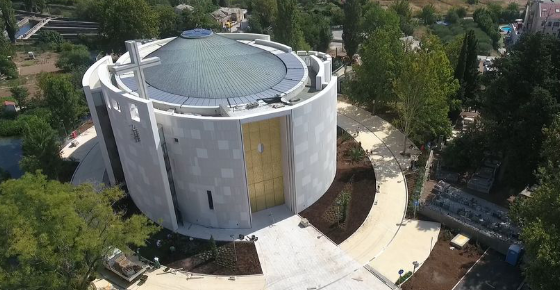
H2 - How the tool is used in projects
Short description of how it can help with SEO friendly. Try to keep it within 100 words. Use 20px default font size with a -20px top margin and 80px side margins. All text should be centre-aligned.


H2 - Industries for the tool
Short description of how it can help with SEO friendly. Try to keep it within 100 words. Use 20px default font size with a -20px top margin and 80px side margins. All text should be centre-aligned.
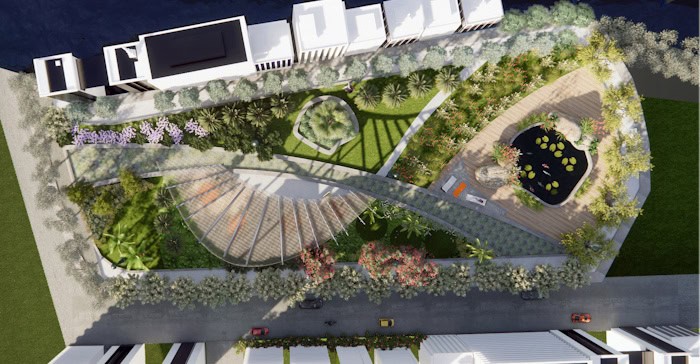
Industry 1, semi-bold

Industry 2, semi-bold
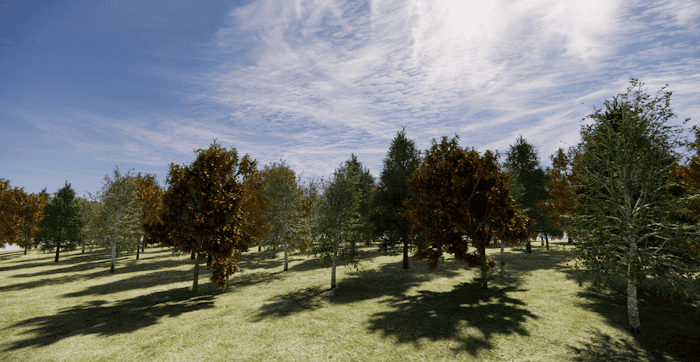
Industry 3, semi-bold

Industry 4, semi-bold

Industry 5, semi-bold
(Note: session ends here)
(Note: This section introduces key features. Choose one of the two templates that best fits your content. Ensure all headings and text are SEO-friendly. Delete this note before the website goes live).
H2 - Key feature template A
Short description of how it can help with SEO friendly. Try to keep it within 100 words. Use 20px default font size with a -20px top margin and 80px side margins. All text should be centre-aligned.
H3 - Key feature 01 in short SEO title
Write a clear, SEO-friendly description of the feature here. Focus on the value it provides.
This template works best when:
- The description is within 4 sentences
- You need to list specific benefits using bullet points.
- There is a video/GIF available to show the feature in action.
H3 - Key feature 02 in short SEO title
Write a clear, SEO-friendly description of the feature here. Focus on the value it provides.
This template works best when:
- The description is within 4 sentences
- You need to list specific benefits using bullet points.
- There is a video/GIF available to show the feature in action.
H3 - Key feature 03 in short SEO title
Write a clear, SEO-friendly description of the feature here. Focus on the value it provides.
This template works best when:
- The description is within 4 sentences
- You need to list specific benefits using bullet points.
- There is a video/GIF available to show the feature in action.
H2 - Key feature template B
Short description of how it can help with SEO friendly. Try to keep it within 100 words. Use 20px default font size with a -20px top margin and 80px side margins. All text should be centre-aligned.
Feature 01
Use this template if you do not have a video or GIF. Keep the description short (1–2 sentences).
Feature 02
Use this template if you do not have a video or GIF. Keep the description short (1–2 sentences).
Feature 03
Use this template if you do not have a video or GIF. Keep the description short (1–2 sentences).
Feature 04
Use this template if you do not have a video or GIF. Keep the description short (1–2 sentences).
Feature 05
Use this template if you do not have a video or GIF. Keep the description short (1–2 sentences).
Feature 06
Use this template if you do not have a video or GIF. Keep the description short (1–2 sentences).
H2 - Plugins & add-ons relevant to this softare
Short description of what relevant plugins/add-ons can be used for this software. Keep it concise and clear should be fine. Below is the example of Rhino’s plugins. Delete this section if it’s not applied.
Use 20px default font size with a -20px top margin and 80px side margins. All text should be centre-aligned.

Lands Design
Lands Design is a landscape design plugin for Rhino that supports 2D drawings, 3D modelling and BIM-based workflows. It enables landscape professionals to design, visualise and document projects clearly from concept through to construction.

VisualARQ
VisualARQ is a BIM plugin for Rhino that adds parametric architectural elements and dynamic documentation tools. It helps architects model, manage and document architectural projects efficiently within a flexible 3D workflow.

V-Ray for Rhino
V-Ray for Rhino is a professional rendering plugin that combines real-time and photorealistic rendering tools. It allows designers to create high-quality visualisations for architecture, product design and other creative projects.
H2 - Section to introduce relevant products under it
Use this template if the brand has multiple side-products/editions like D5, Solibri, or BricsCAD. Write a short SEO-friendly summary here and delete this section if it does not apply. The example below shows Solibri.
Use 20px default font size with a -20px top margin and 80px side margins. All text should be centre-aligned.
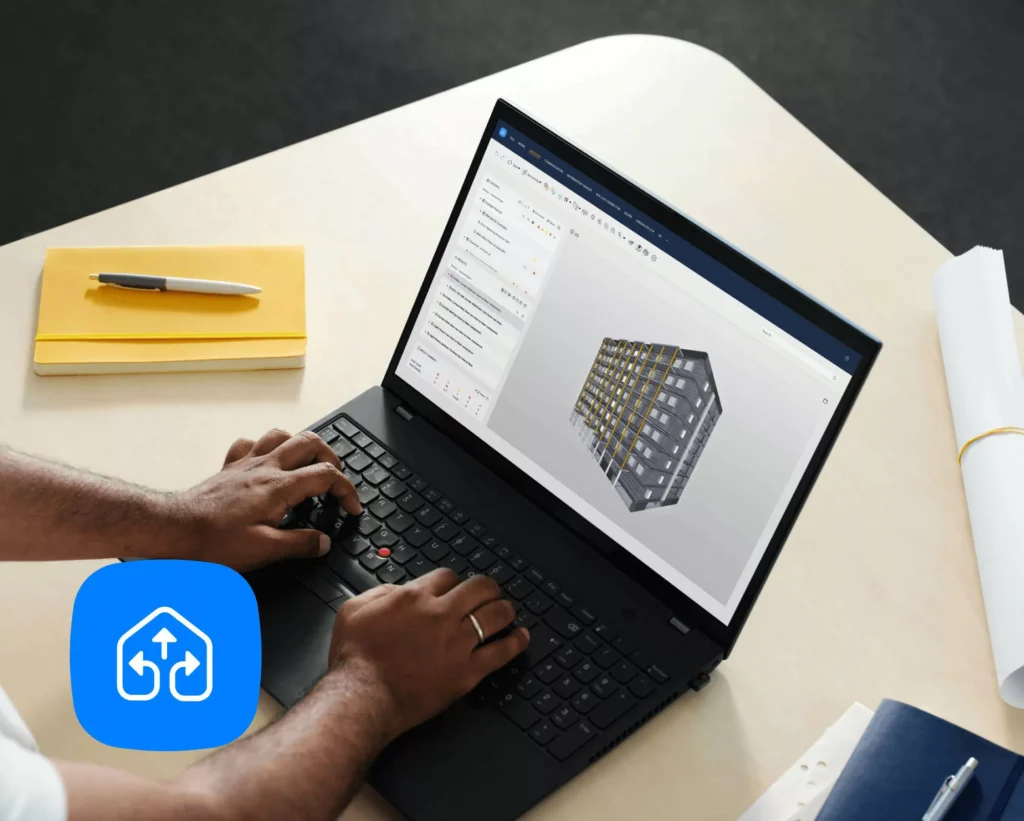
Solibri Office
Solibri Office is a comprehensive BIM model checking tool for validating model quality, coordination and compliance. Best for BIM managers, coordinators and consultants who need advanced model checking across design and construction.
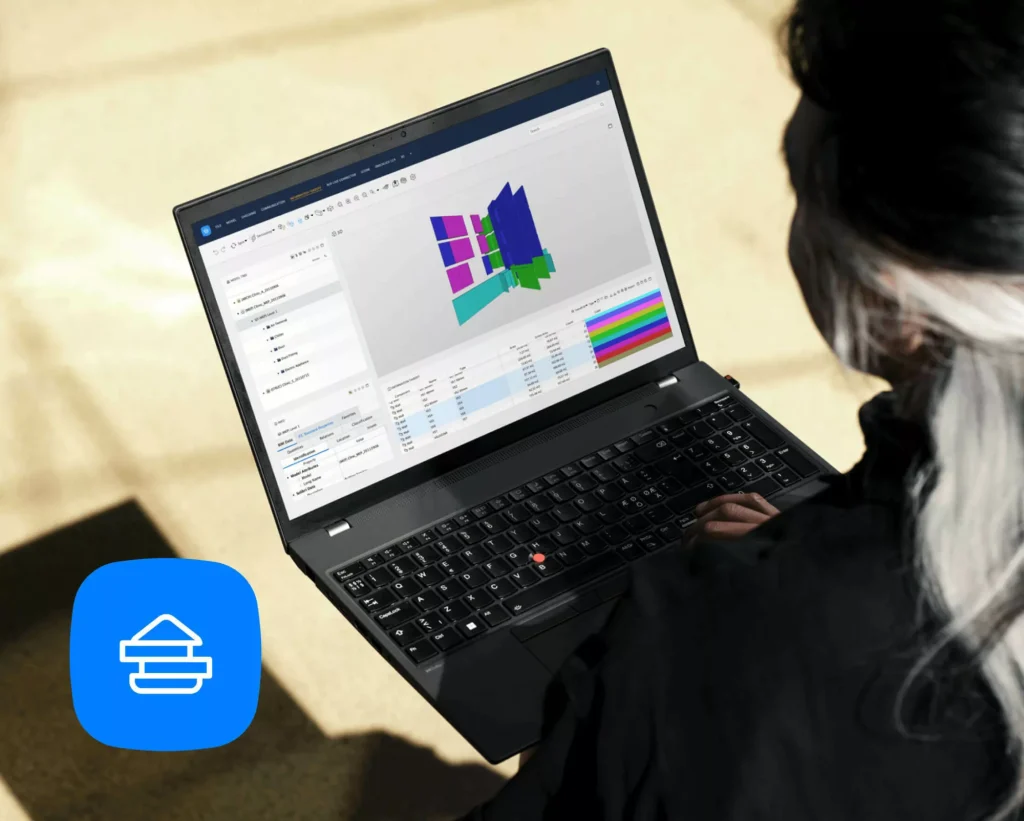
Solibri Site
Solibri Site is a mobile BIM model viewing and checking solution for use on construction sites. Best for site teams and contractors who need to review models, identify issues and communicate problems directly from the field.
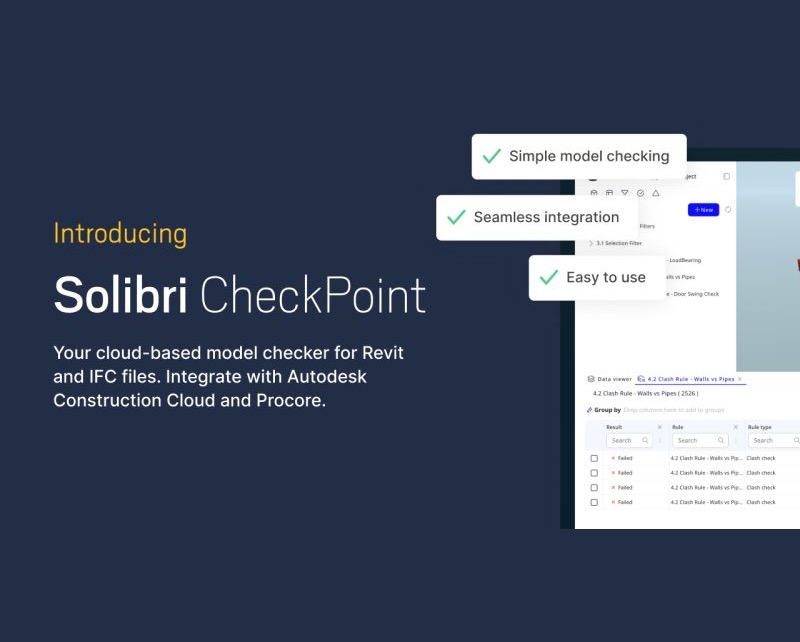
Solibri Checkpoint
Solibri Checkpoint is a lightweight BIM model checking tool for reviewing and validating models against defined requirements. Best for designers, engineers and project teams who need simple, fast model checks without the complexity of full coordination workflows.
Solibri Anywhere
Solibri Anywhere is a free BIM model viewer for reviewing and exploring IFC models. Best for project stakeholders and non-technical users who need easy access to BIM models without performing model checks or coordination.
(Note: Use this section to share user comments or testimonials about the software. This is most effective for tools at the awareness stage. The example below shows VisualARQ. Delete this entire section if you have no comments to share. Delete this note before publishing the page.)
What professionals say about VisualARQ
I am already using visualARQ for some years, for me it is a game changer. Also in combination with grasshopper, twinmotion,… You get really fast awesome results!
The use of VisualARQ methods has brought us easily hundreds of thousands of euros in turnover as VisualARQ has enabled us to tackle projects and processes that simply would be impossible without.
I am very impressed with the ease of use – and the tight integration with Rhino. The learning curve is more manageable than it is for Revit. What excites me is that it is built on top of what I feel is the best modeling platform available for architects
Get Started with [software name] — Supported by FORIDA
This is the section of CTA and “Why FORIDA”. Short description here to encourage the action. Keep it within 100 words and ensure SEO-friendly. Font size be default as 20px. Margin top -20px, left and right 80px. Texts middle alignment.