


3ds Max: Immersive 3D Design & Animation for BIM Workflows
Transform Revit and AutoCAD models into high-quality 3D animations and immersive environments with industry-leading rendering tools.
Transform BIM Models into High-End Renders with Autodesk 3ds Max
Autodesk 3ds Max professional 3D modelling, rendering and animation software enables you to create expansive worlds and premium designs.
-
Breathe life into environments and landscapes with robust modelling tools.
Create finely detailed designs and props with intuitive texturing and shading tools.
Iterate and produce professional-grade renders with full artistic control.
Enhance artist creativity
Create intricate designs with advanced modelling and rendering capabilities.
Accelerate tasks
Reduce repetitive, time-consuming tasks with time-saving tools.
Improve collaboration
Streamline data exchange with OpenUSD integration in 3ds Max.
Professional Roles in AEC Visualization
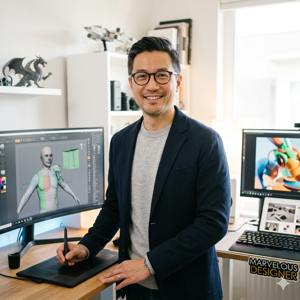
3D generalists

Modelers
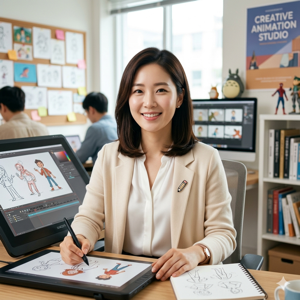
Animators
Top Industries for 3ds Max Integration
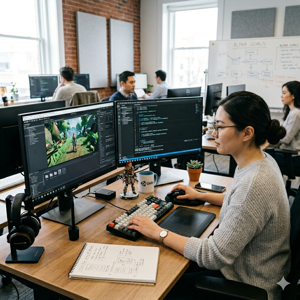
Game development

Film and TV productions

Design visualization projects
What you can do with 3ds Max

City environment made with 3ds Max
Produce Photo-Realistic Renders with Arnold
From advanced light mixing to precise colour correction, the built-in Arnold renderer delivers a high-end experience. It efficiently handles your most complex architectural scenes, BIM visualisations, and intricate high-resolution effects for professional presentations.
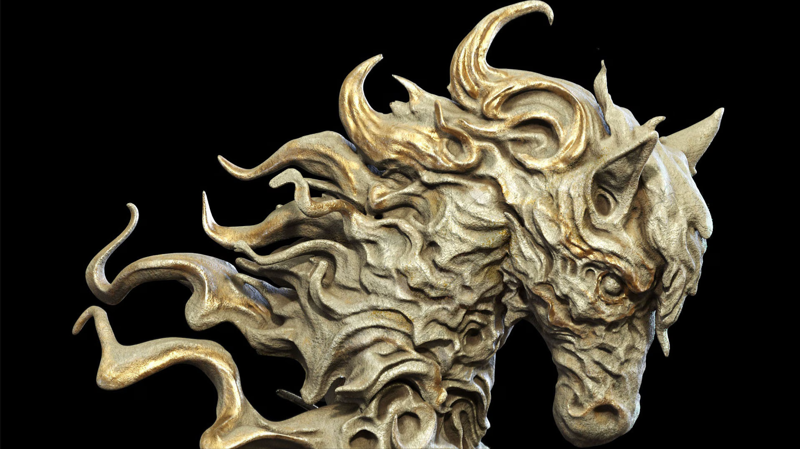
Image courtesy of J-KANG, from 3ds Max
Features for your creativity
Modeling
3ds Max offers powerful tools like Booleans and retopology, plus a Modifier Stack to revisit and refine your steps with parametric control. Model a cool sheep or any character, prop, or environment.
Rigging and animation
Rig and animate characters in 3ds Max using Biped and Character Animation Toolkit (CAT). For example, you can create human-like skeletons, add extra bones for non-human rigs or accessories, skin, and assign animations.
Look development
Artist-friendly tools simplify shading, lighting, and look development. Load textures, use open standards like OpenColorIO, and view your results in real-time with Arnold RenderView.
Rendering
With 3ds Max’s Arnold integration, create professional renders with full artistic control. Handle heavy data with ease and save time using powerful shaders, operators, textures, and utilities, all without leaving 3ds Max or breaking your creative flow.
Open standards
3ds Max’s OpenUSD integration enables non-destructive editing and efficient asset referencing. Features include layered workflows, variant management, and seamless USD interchange with other tools for collaborative pipelines.
Plugin architecture
Customize 3ds Max for efficiency by scripting it or extending it with plugins like tyFlow for particle simulation, thinkingParticles, or ForestPack.
Get Started with FORIDA, Your Local Autodesk Gold Partner
As an Autodesk Gold Partner and Authorized Training Center (ATC) in Hong Kong, FORIDA provides more than just software. With over 30 years of industry experience, we help AEC professionals integrate 3ds Max into their BIM workflows through expert consultancy, technical support, and CITF-approved training. Whether you are transitioning from Revit or looking to master high-end architectural visualisation, our local team is here to ensure your digital transformation is a success.